Table of Contents
 Wi-Fi Camera
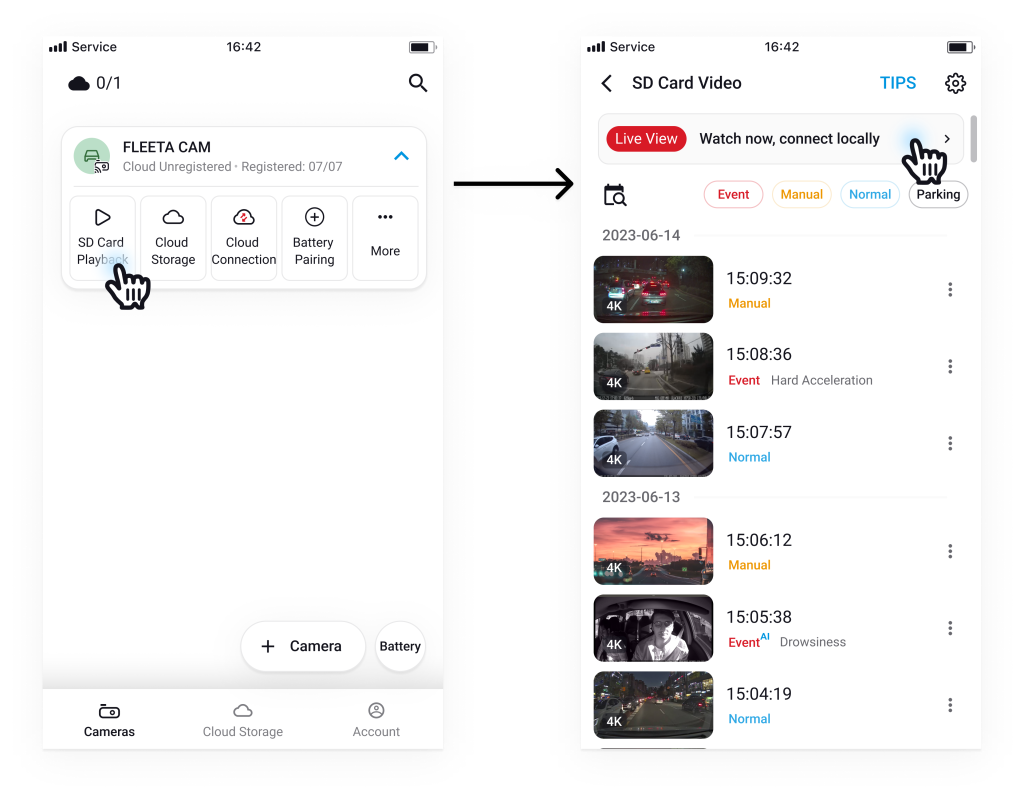
- Tap the SD Playback button on the camera card.
- On the SD Card Video screen, tap Live View.
 Cloud Camera
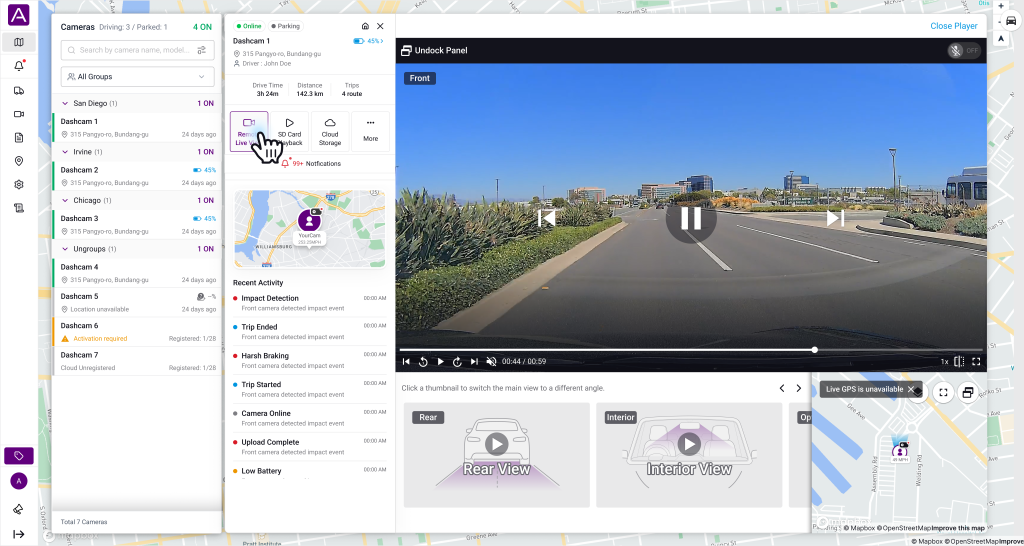
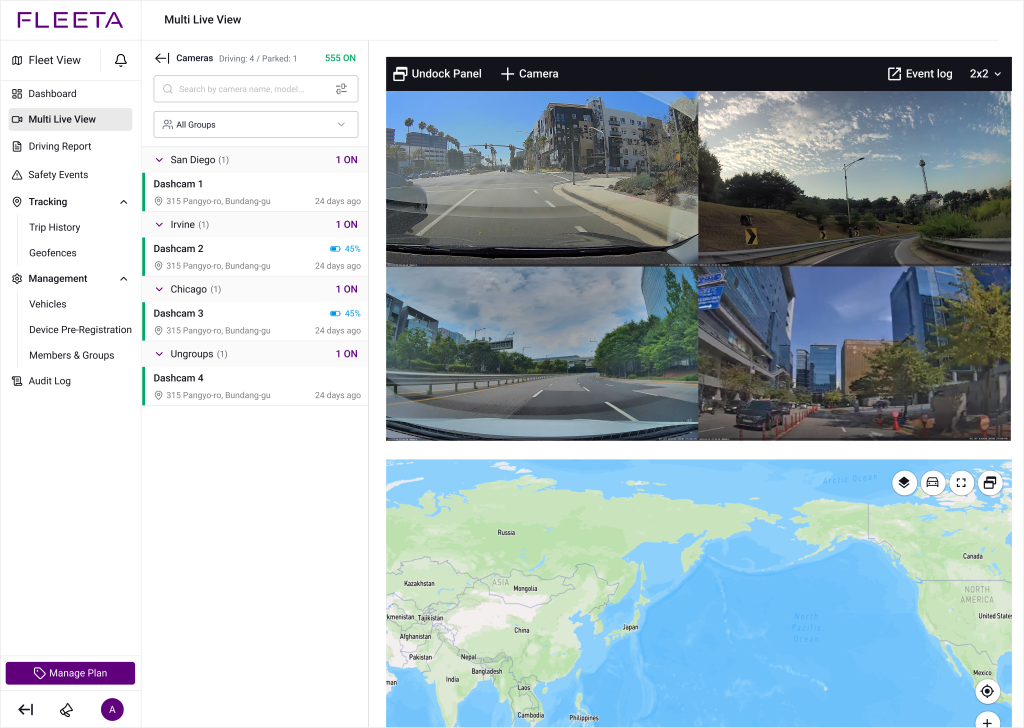
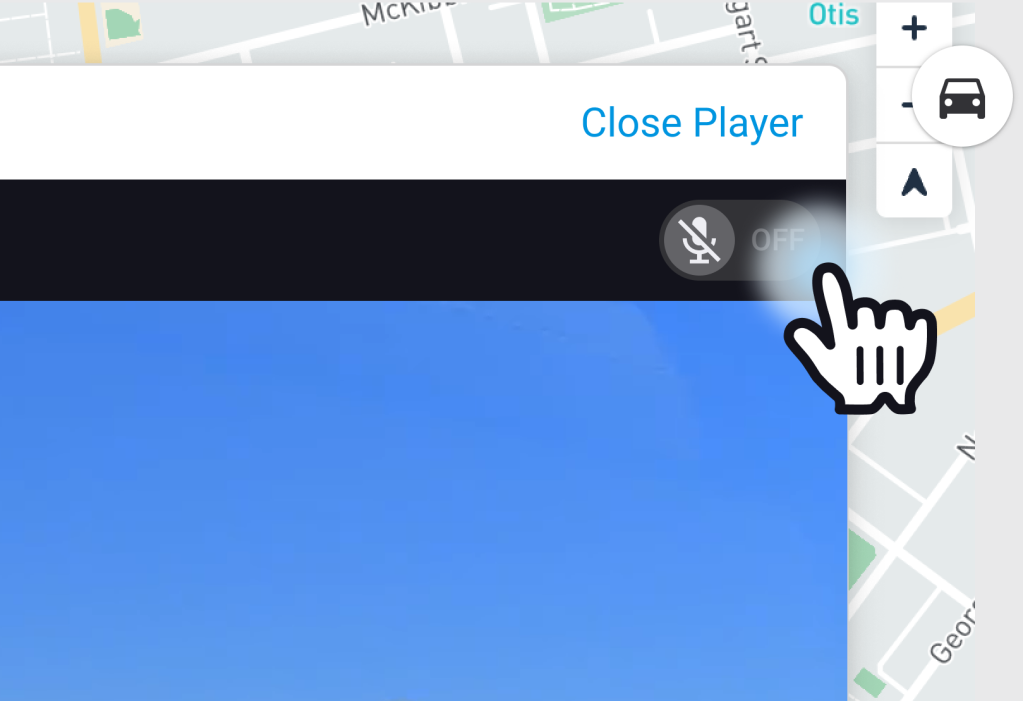
- Tap the Remote Live View button on the camera card.
 Offline / Activation Required Camera
– Cameras that are offline or pending activation are not connected to the cloud. You can still watch Live View by connecting to the camera via Wi-Fi connection through the FLEETA app.