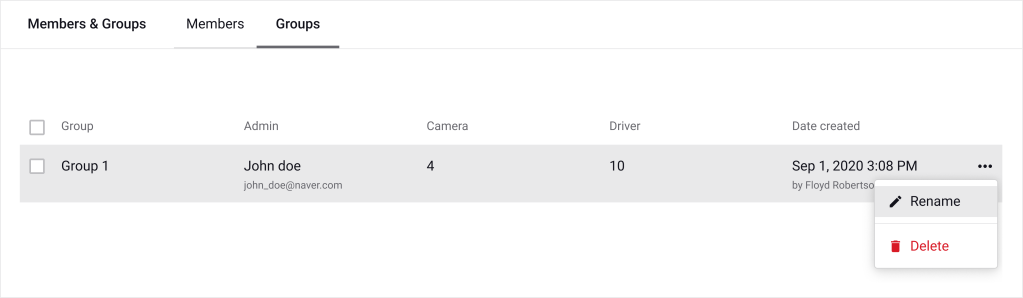
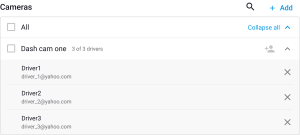
The Groups menu allows you to organize cameras and members by team, region, or function.
The new group will appear in the list.
Click on any group to open its detail page.
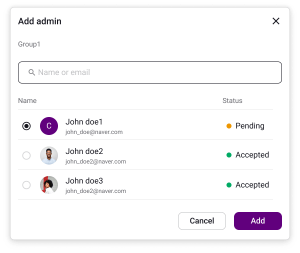
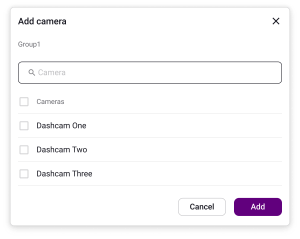
Both Owners and Admins (with proper permissions) can manage the following:
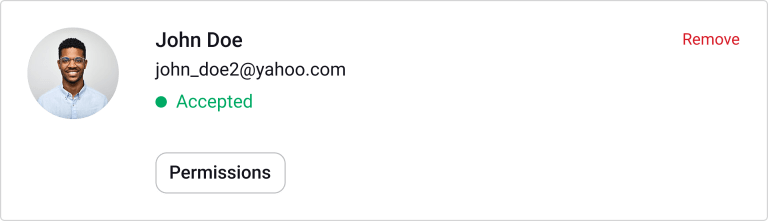
1. Appoint Admins
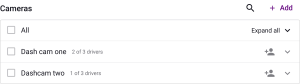
2. Add Cameras
Unassigning a Driver removes them from the group but does not delete their account.
Admins can be granted specific permissions per group. Available permissions may include:
To set permissions:
Admins can manage group content similarly to Owners, depending on permissions:
Powered by BetterDocs