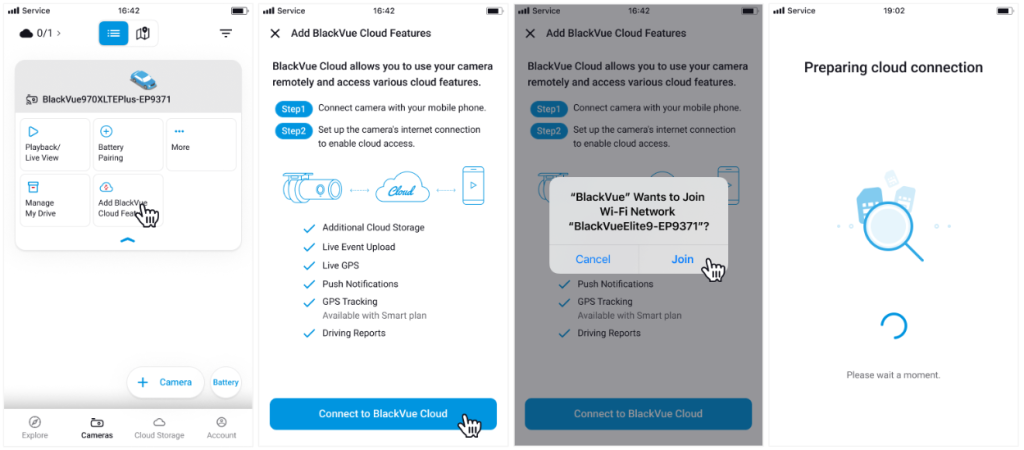
You can upgrade your camera to a Cloud camera by tapping Add BlackVue Cloud Features.
You can activate your camera as a Cloud camera by following the steps below.
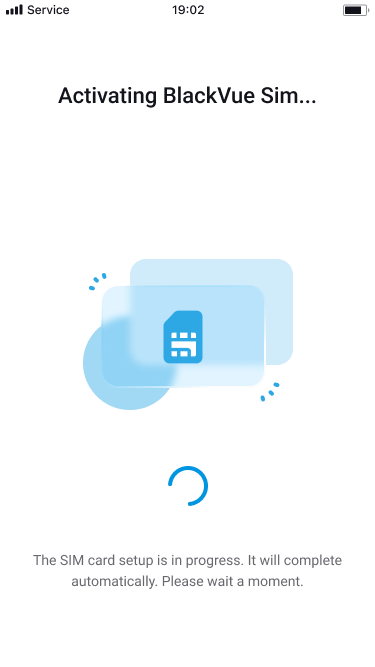
When the environment analysis is complete, the screen below will appear. Please check if your BlackVue SIM is subscribed.
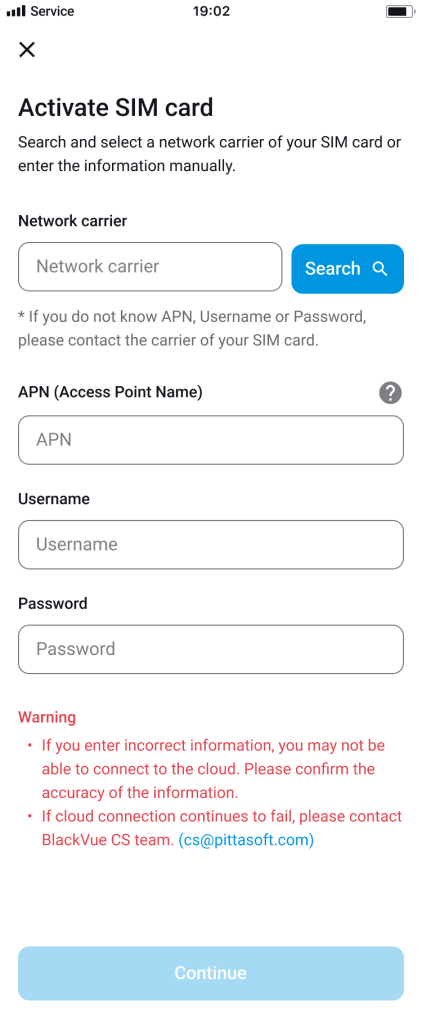
An APN input screen will appear. Enter the correct APN information from your mobile carrier.
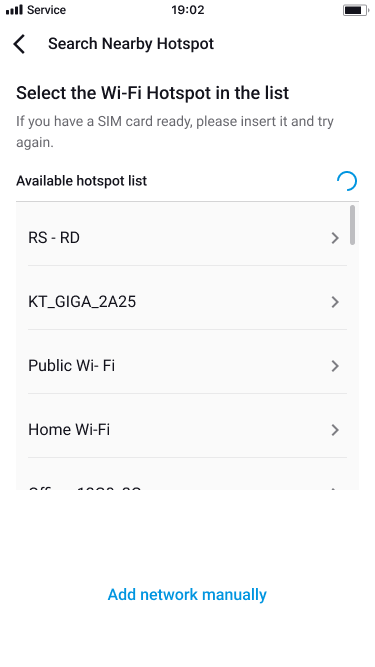
The hotspot setup screen will appear. Enter Wi-Fi hotspot details to connect your camera to the internet.
Powered by BetterDocs